Free white-glove setup and support for a limited time.Start your 30-day free trial

Never Stress OverThe Schedule Again.Done in Seconds. Switch in Minutes.

Requests, hour targets, writing the schedule and call-outs, all handled in no time. Send us your current schedule and we’ll get you started for free.

~3 sec
To auto-build a full week
0
People scheduled when unavailable
1 tap
To build a schedule your staff will love
30 days
Free, with white-glove setup and support
Not AI
An adjustable, carefully written algorithm. Not a black box. You stay in control.

Let Us Be Your Business’s Competitive Edge.

Built with 100+ real businesses’ operational input.

01
Requests & time off

Availability, requests and labor targets in one place.

Part-timers, students, second jobs. Your team keeps their availability current, and you approve new Cannot Work times and time off.
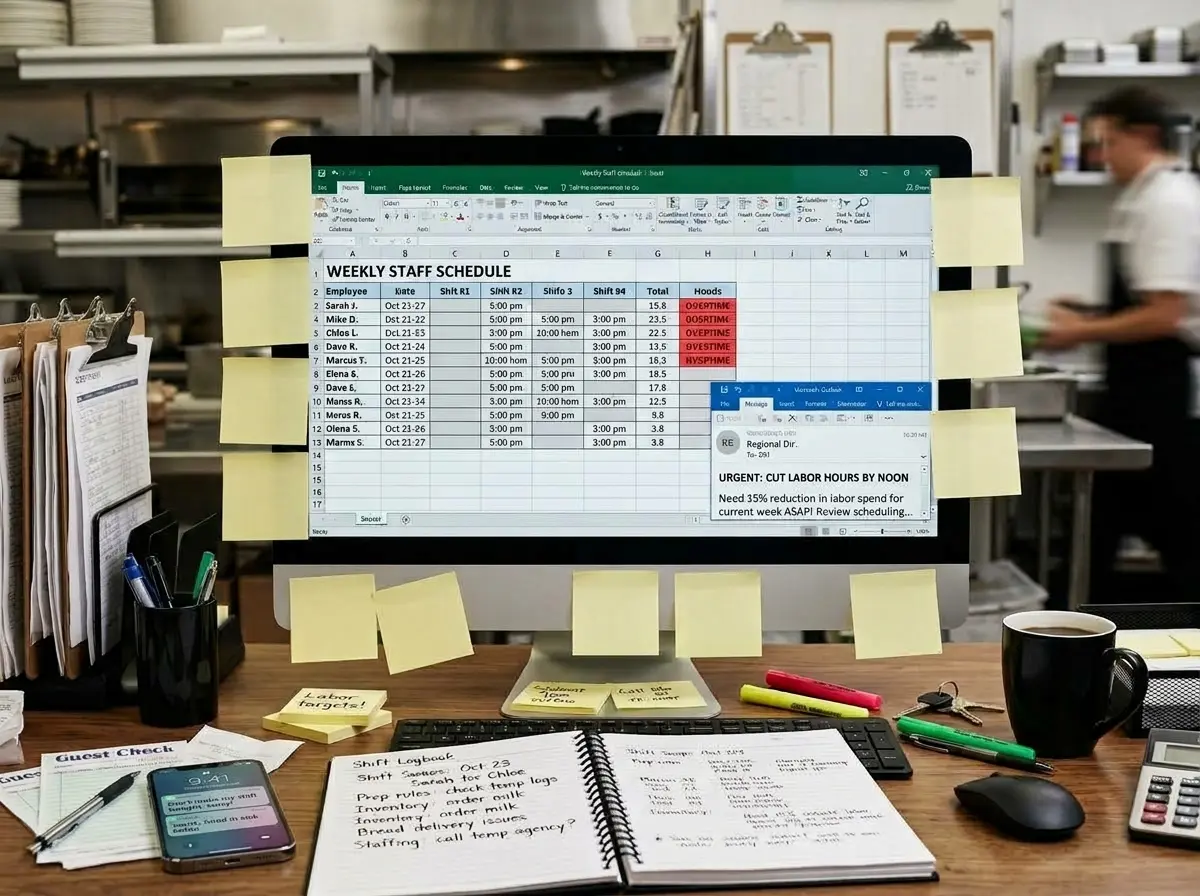
Manager's Workstation for Hospitality: Modern Desktop Monitor with Excel Schedule, Urgent Labor Cut Directive Email in Corner, Real Sticky Notes, and Shift Logbook on Desk

NO CLOPENINGfor Dave!

Marcusdoctor apptTue 10am

Elena32h cap

Prep shiftcoverage Fri

Cindy sisterwedding Sat(Dallas)

Student9pm curfew(HR Law)

Call Mariare: cover(Sun pm)

Swap: Alexfor JamesThu AM

NO 1.5x OTStrict 0h cap!

Temp Logscheck 2pm

Dish teamleave earlySunday?

Event: 60pVIP partySaturday

The old way
Availability lives in your head
  1. 01Texts you have to scroll back to find
  2. 02“I can’t do Tuesdays anymore,” said in passing
  3. 03Sticky notes on the monitor
ShiftWerx
Try it: tap a day.
Mon
Tue
Wed
Thu
Fri
Really WantAvailableReluctantCannot Work
Shifts Maya wants
Minimum2
Preferred4
Maximum6

Your staff’s needs, built into every schedule.

  • Really Want and Reluctant, not just yes or no
  • Everyone’s minimum, preferred and maximum shifts
  • Hard limits never broken, preferences weighed
15 sec
For an employee to update their availability
1 tap
To approve or deny a time-off request
0
Requests lost in texts or on sticky notes
100%
Of approved requests honored by auto-schedule
02
Building the schedule

The whole week,built in one click.

Not an AI black box. You stay in control.

Events, weather, labor % and availability changes. Press auto-schedule and it’s all handled.

Try building the old way.

Head to head with ShiftWerx.

0:00
This week’s requirements
  • Every night: 2 Servers + 1 Cook
  • Friday rush: 3 Servers!
  • Labor budget: 112 hrs this week
  • Approved time off: Maya, Wednesday
  • Never schedule Ben and Eli together
  • Nobody over 40 hrs

Check each person’s notes.

Click the boxes to add a shift.

Week of Oct 5MonTueWedThuFriHours
Shifts
SServer · 4p-11pCCook · 4p-11p
Server
Maya R.
Unavailable
0h
Ben T.
Unavailable
0h
Ana L.0h
Luis M.
Unavailable
0h
Cook
Dev P.
Unavailable
0h
Eli K.
Unavailable
0h
Stuck to your monitor:
Luis: ¡Los miércoles, por favor!
Eli: Fridays!!
Ana wants 3 shifts, can do 4
Dev: rather not Thursday
Maya: 21 hrs please, 28 max
Ben: just ONE shift this week (7 hrs)!
Dev: 21 hrs, at least 14
Eli: 14 hrs please, 21 tops
Order to-go cups!! + napkins. Call Dana re: Sat??
ShiftWerxA simplified ShiftWerx, for illustration.
Master ScheduleDraft
NameMon10/05Tue10/06Wed10/07Thu10/08Fri10/09HoursShifts
Server
Maya R.0.0-
Ben T.0.0-
Ana L.0.0-
Luis M.0.0-
ServerShift Count
0/2
0/2
0/2
0/2
0/3
Cook
Dev P.0.0-
Eli K.0.0-
CookShift Count
0/1
0/1
0/1
0/1
0/1
The full version also weighs
  • Preference weighting
  • Star ratings
  • Freeze and lock
  • Hour caps and overtime
  • Hour budget by role
  • Rest and doubles
  • Who works together
  • Staffing rules
The restaurant’s needs come first.
Hard rules, never broken.
A fair shot at the best shifts.
No favorites. Nobody owns Friday night.
Great work tilts the odds.
Not complaining the loudest.
24
Parameters balanced and respected
0
AI black boxes. Built to keep you in control, not to hand your business over to AI.
5 hrs
Estimated time saved every week
Every
Shift preference weighed, so people get the hours they asked for
03
Call-outs & swaps

Call-outs coveredbefore the rush.

The old way

Swaps happen in the group text.

9:41▮▮▮
DMB
Team group chat
Thu 9:12 PM
Dana
Can anyone take my Friday dinner? 🙏
Ben
what time
nvm I have class
iMessage
  • ✕Swaps you never saw
  • ✕Nobody sure who has the shift
  • ✕Surprise overtime
  • ✕The posted schedule is already wrong

ShiftWerx

Watch the market work its magic.

Watch how it works
  1. 1Dana sells a shift
  2. 2Maria takes it
  3. 3You approve
DDanaEmployee
My shifts
FridayDinner 4p–11p
  • Swaps you approve in one tap
  • Everyone sees who has the shift
  • No surprise overtime
  • The posted schedule stays right
0
Group texts to cover a shift
0
Claims that push someone into overtime you didn’t allow
1 tap
To approve the swap
ShiftCoin
Built-in ShiftMarket and employee reward program

Spend Time on Your Restaurant,Not Your Scheduling.

The old way
6h 10m
WithShiftWerx
Same clock as the old way, then zoomed in
About 3 min
Auto-schedule
3 sec
Refine
45 sec
Review & publish
1 min
Approve a swap
under 1 min
Time back
hmsaved
every single week

Hover or tap any step for details. Step times are estimates from conversations with working managers and their real weeks. They are not a guarantee for your situation.

100+
Managers and owners interviewed while we built it
24
Languages supported. Everyone uses their preferred one.
4-in-1
Scheduling, shift trading, team messaging and staff sharing in one app
3
Ways in: iPhone, Android and the web

Not a comparison. A generational gap.

Legacy software hands you the same problems in a prettier wrapper. ShiftWerx solves them.

Compare with
Feature
ShiftWerx
7shifts
SchedulingBuild the week in seconds, and keep it yours.
Auto-scheduler honors every rule and staff preference at once
Template fill only
Auto-schedule runs on rules you set, not an AI black box
Freeze and lock shifts, then auto-fill the rest
No shift lock
Copy last week’s schedule
Availability visible while you build
Warnings only
Staff set their min, max and ideal shifts, and you see it
Not listed
Blocks overtime before you publish
Warning only
Toggle off double shifts
Alert, some states
Shares staff across locations, no double-booking
Warning only
Builds to your labor budget, putting hours where they matter most
Target only, Pro+
MessagingMessages people actually read, and proof that they did.
Team messages and announcements
Required reads staff must confirm
Training only
A log of who read what
Announcements only
Staff use the app in their own language (24 languages)
3 languages
Messages translated into each person’s language
No
Rewards for reading and training
No
Shift trades & rewardsTrades with guardrails, plus a real reason to say yes.
Shift swaps and hand-offs
Only qualified staff under their hour caps can claim
Role check only
Bonuses on hard-to-fill shifts
Not listed
Points staff redeem for rewards you choose
Third-party add-on
Fully included
20/20
4/20

Competitor details come from an automated review of each company’s public help center and pricing pages (September 2026) and may contain errors. Check each vendor’s own site for the most up-to-date information. “Not listed” means we couldn’t find it in their documentation. A plan name means the feature is only on that plan or higher.

Limited-time white-glove setup.

Send us your current schedule. We’ll set it all up and handle the switch with you.

30 days free•White-glove setup•No contract